Cyber Safari

Internet Safety App and Exhibition
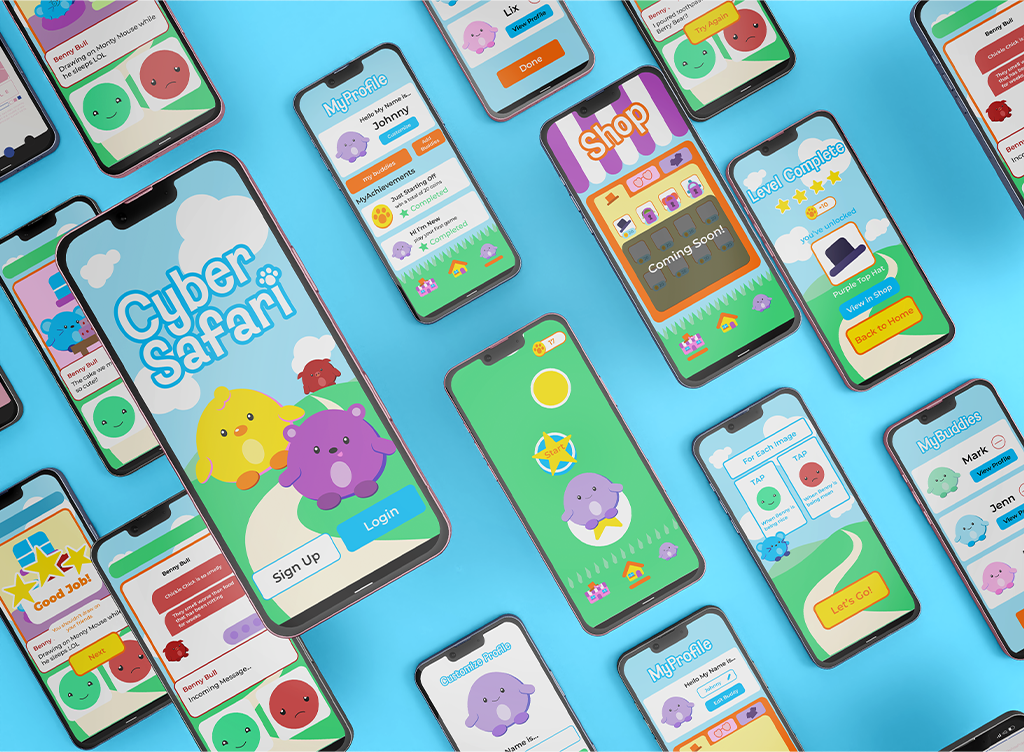
CyberSafari Mockup

Project Overview

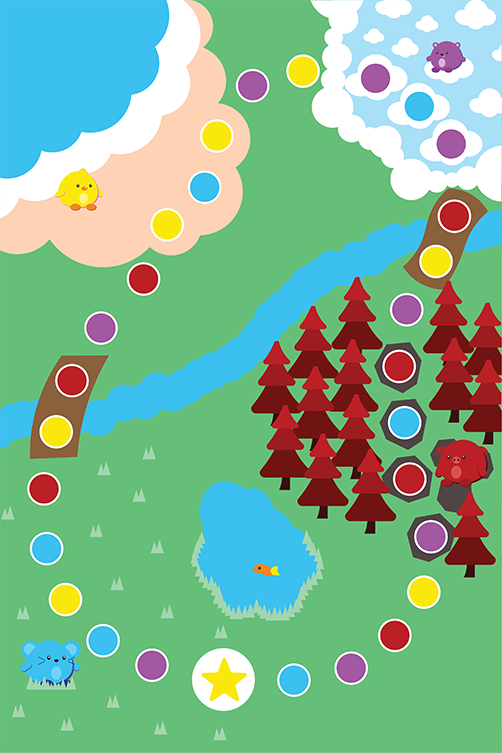
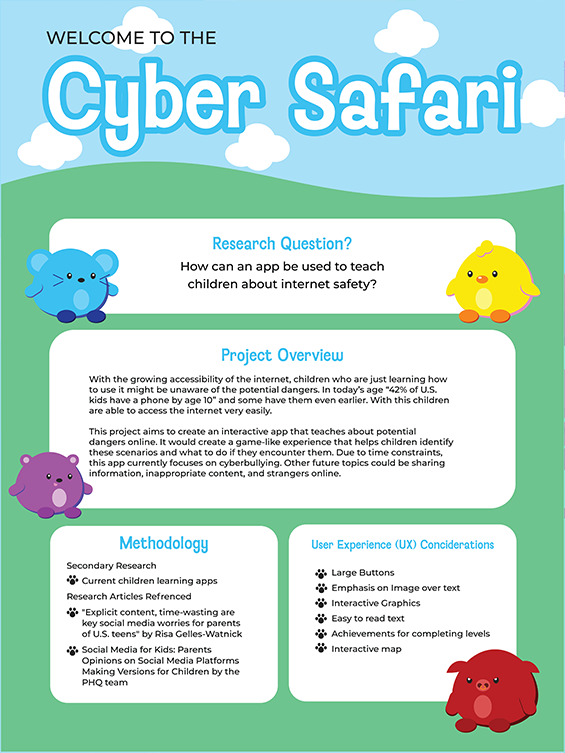
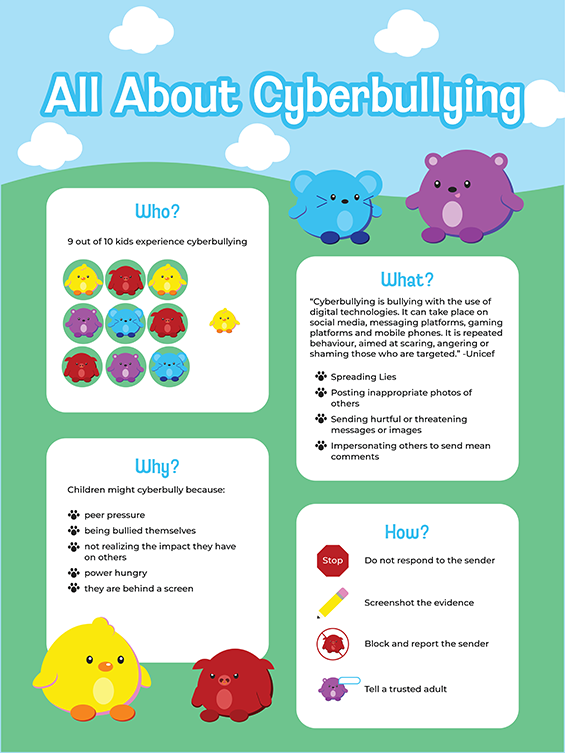
Cyber Safari aims to create an interactive app that teaches about potential dangers online. It creates a game-like experience that helps children to identify these scenarios and what to do if they encounter them. Do to time constraints, this app currently focuses on cyberbullying, other future topics could be sharing information, inappropriate content, and strangers online.

Jump To

The Problem

With the growing accessibility of the internet, children who are just learning how to use it might be unaware of the potential dangers. In today’s age “42% of U.S. kids have a phone by age 10” and some have them even earlier. With this children are able to access the internet very easily.

Goals

  • Teach kids about internet safety through a gamified experience.
  • Ease parental worry for their children as they use the internet.
  • Create a space where kids are excited and encouraged to learn about internet safety.

"How Can We?" Statement

How can we help children stay safe online, and teach them different internet safety tips?

My Role

Solo Project

Project Type

Interactive App Design, Exhibition Design

Responsibilities

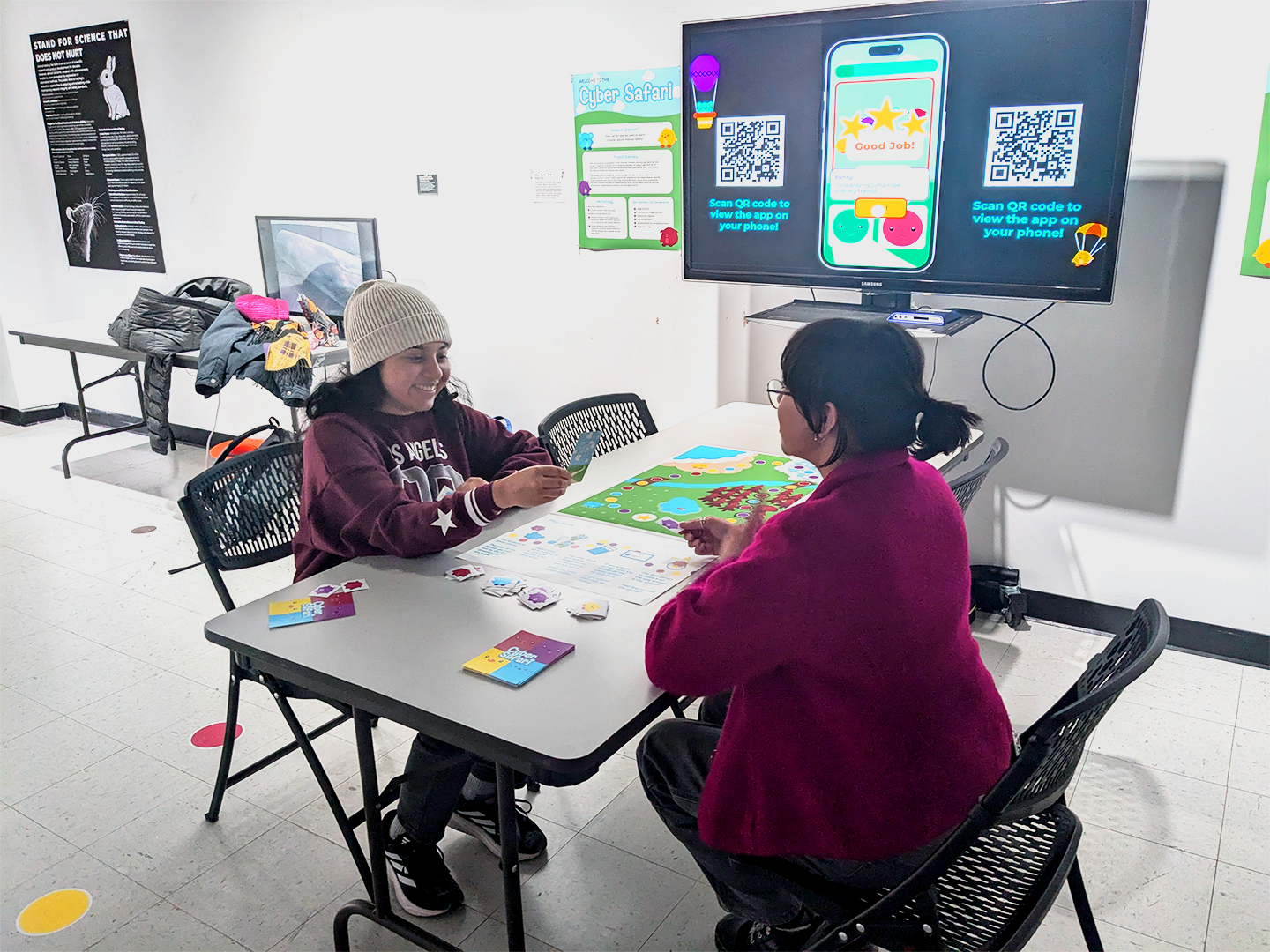
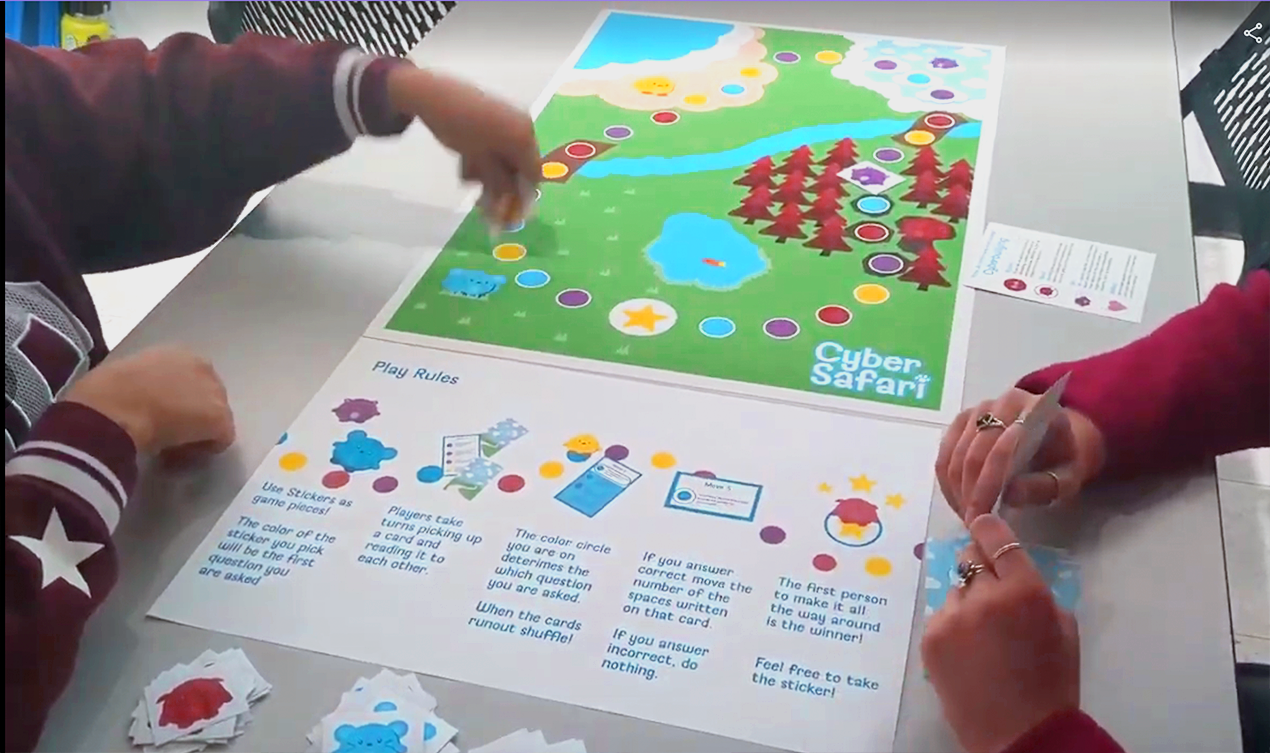
Conducted Secondary Research, Designed Wireframes, Installed and interactive Installation

Tools

Adobe Illustrator, Figma

Industry

Education

Timeline

August 2024 - December 2024

Low-fidelity Prototype
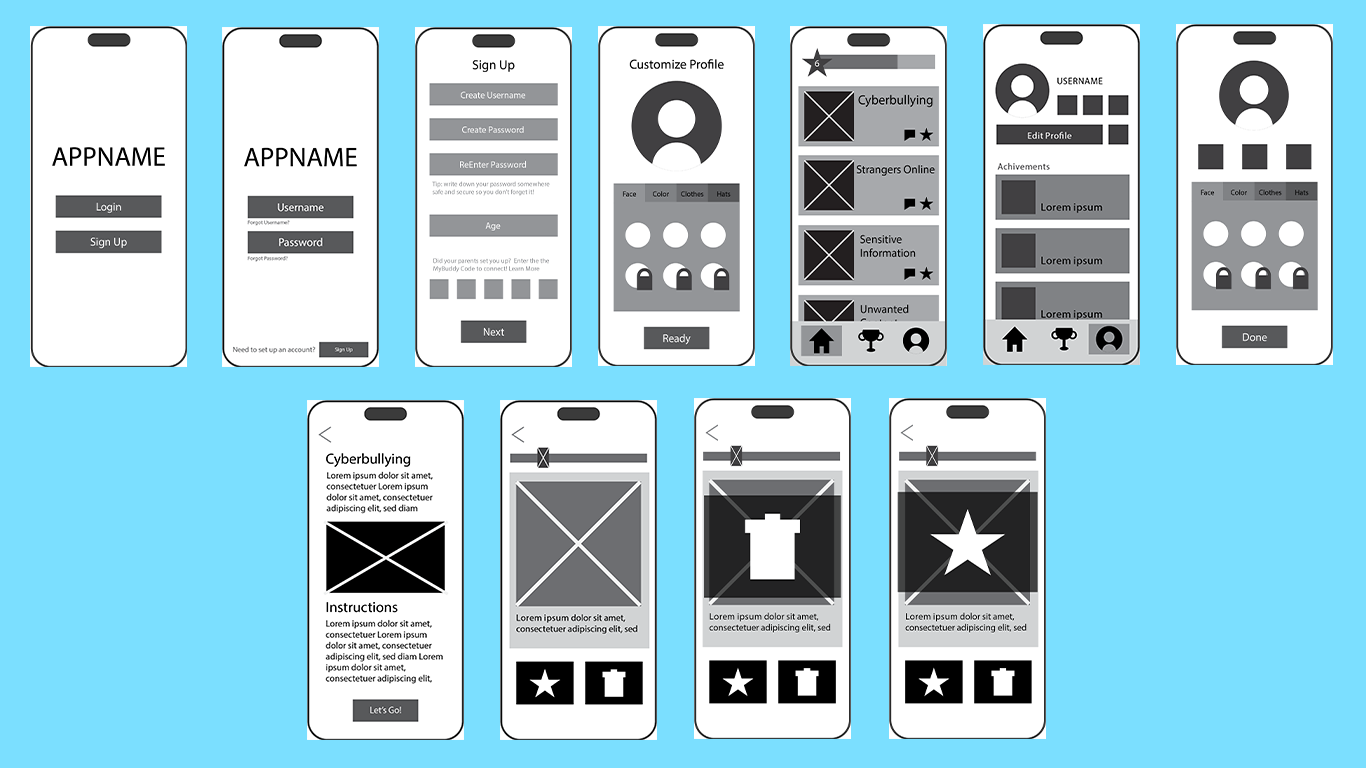
Cyber Safari Low-fidelity Prototype

Final Designs
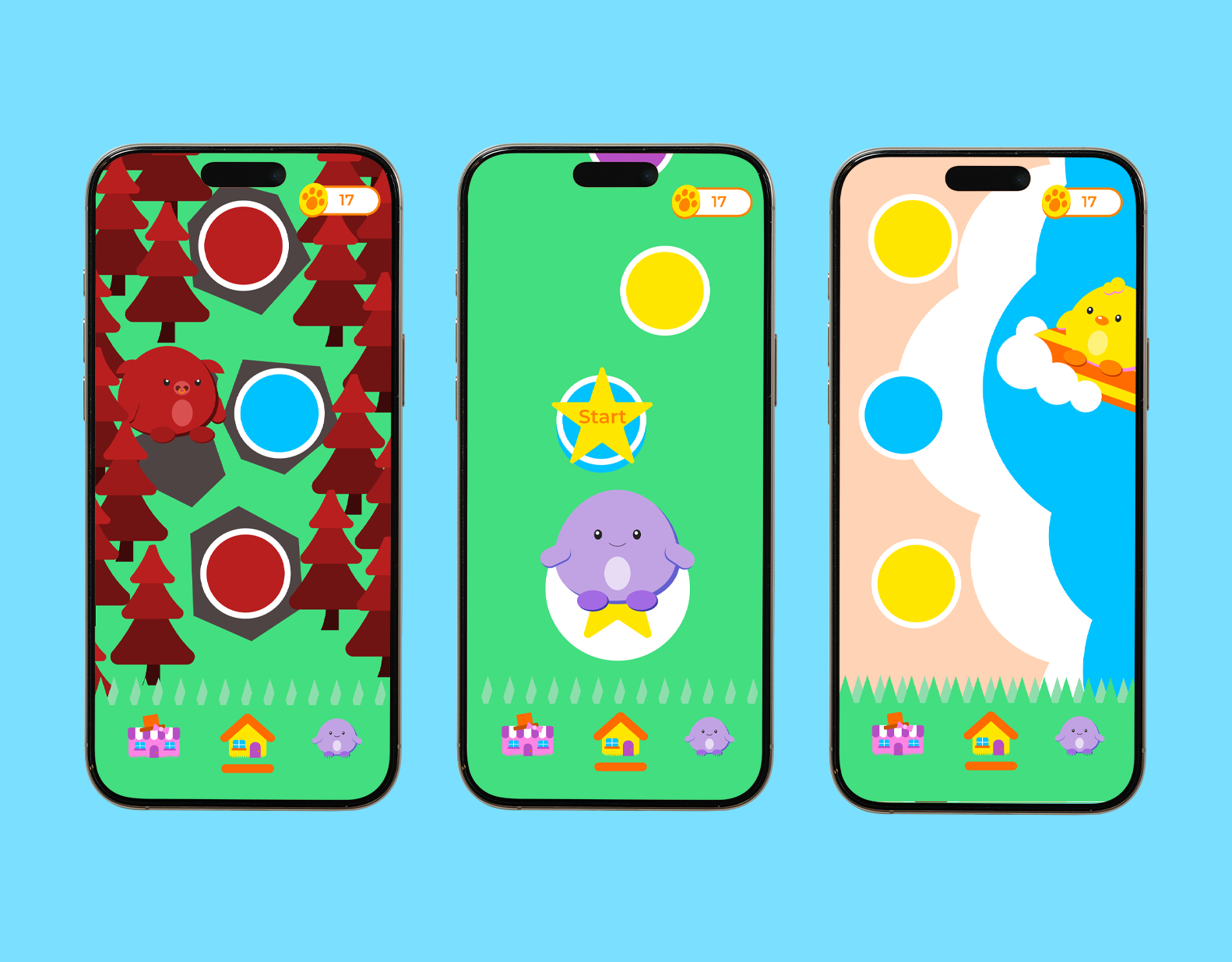
Login and Onboarding Home Game Profile Add Friend
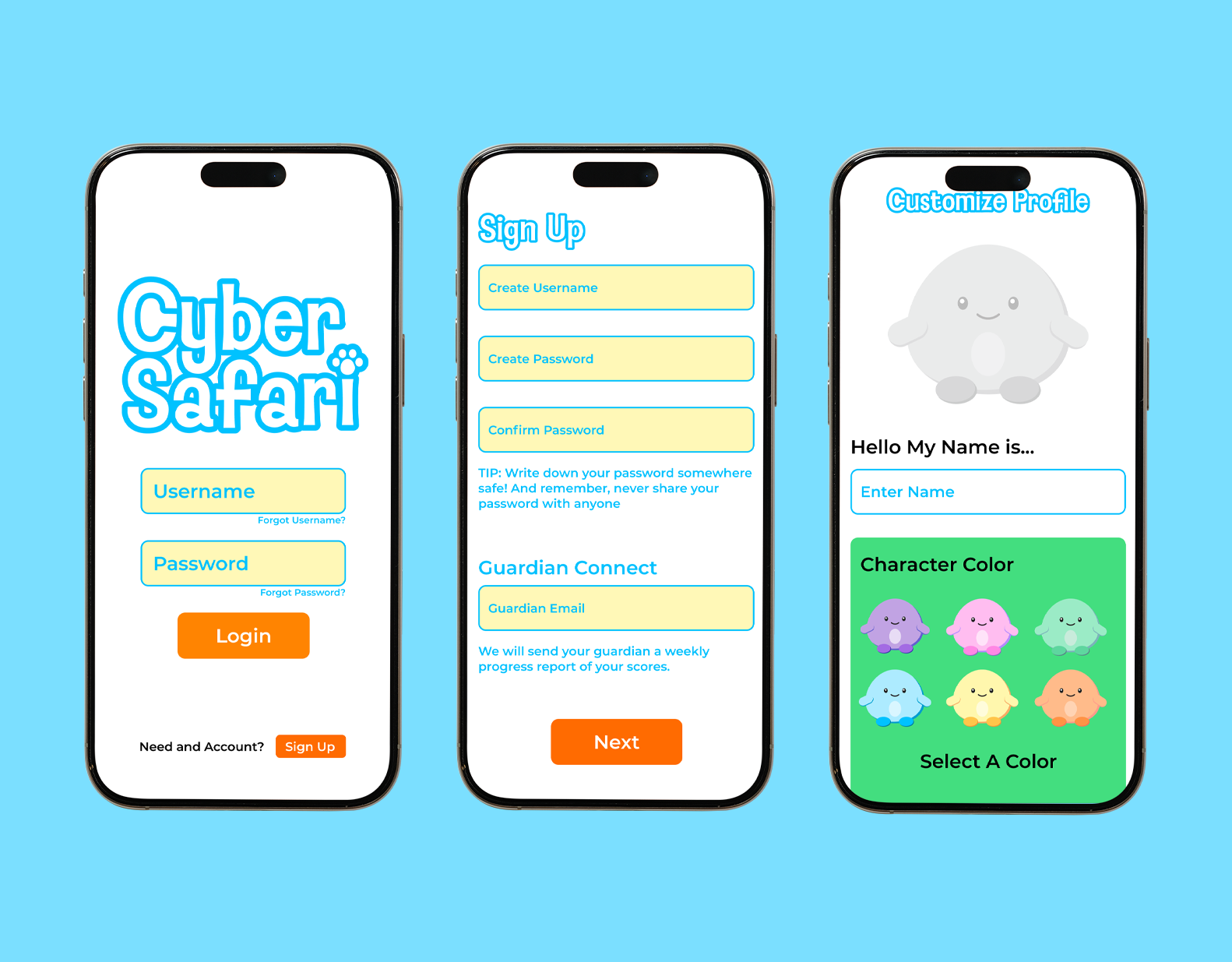
Cyber Safari OnBoarding and Login

Login and Onboarding

  • Key features:
  • Password Security Tip: If the user has never created a password before, this teaches them how to make a secure one.
  • Guardian Contact: Shares the user's progess and data with their guardian. This will provide them updates on how much the user has learned and any areas they might struggle in. This is an optional feature.
  • Customization: The user can customize their characters color and will be able to add hats and other accessories as they progress through the levels
IlliniSwap Final Home

Home

  • Key features:
  • Environment: Users can explore different areas in the virtual park to learn about internet safety. Each area represents a different topic.
  • Coins: The total number of coins the user has earned is displayed. Coins can be used to buy accessories for their character.
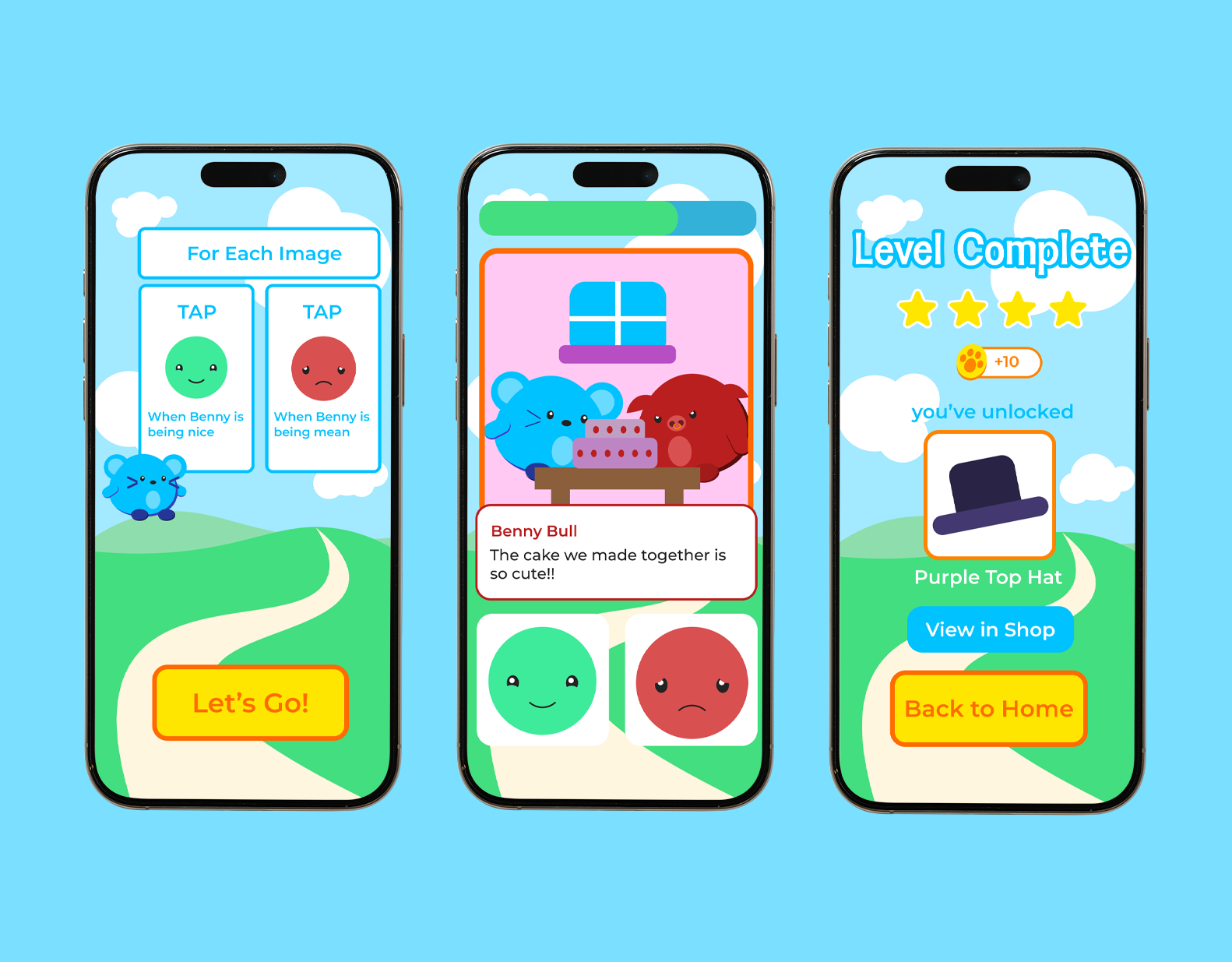
cyber safari game screens

Game

  • Key features:
  • Story: The game is uses both real life and online and scenarios to teach kids about cyberbullying and how to handle it.
  • Illustration: Used to keep the game engaging, light hearted and visually appealing to a young audience.
  • Rewards: Users are rewarded at the completion of each level by unlocking a new accessory and receiving coins.
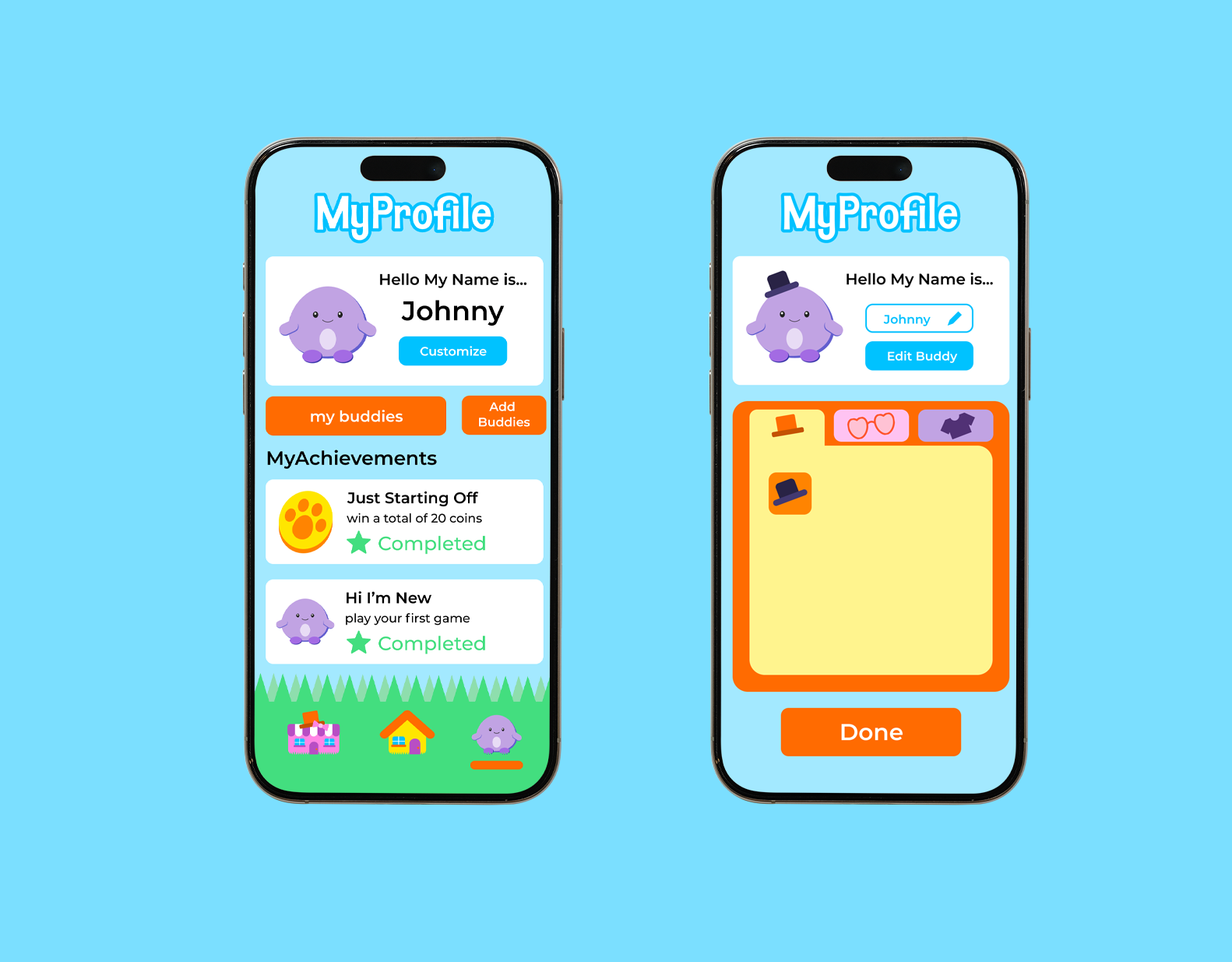
IlliniSwap Final Create a Listing

Profile

  • Key features:
  • Achivments: Users can view their achivments and progress of the levels. These are shared with their guardian and friends they have added on the app.
  • Personalization: Top ranking list based only on the user's votes
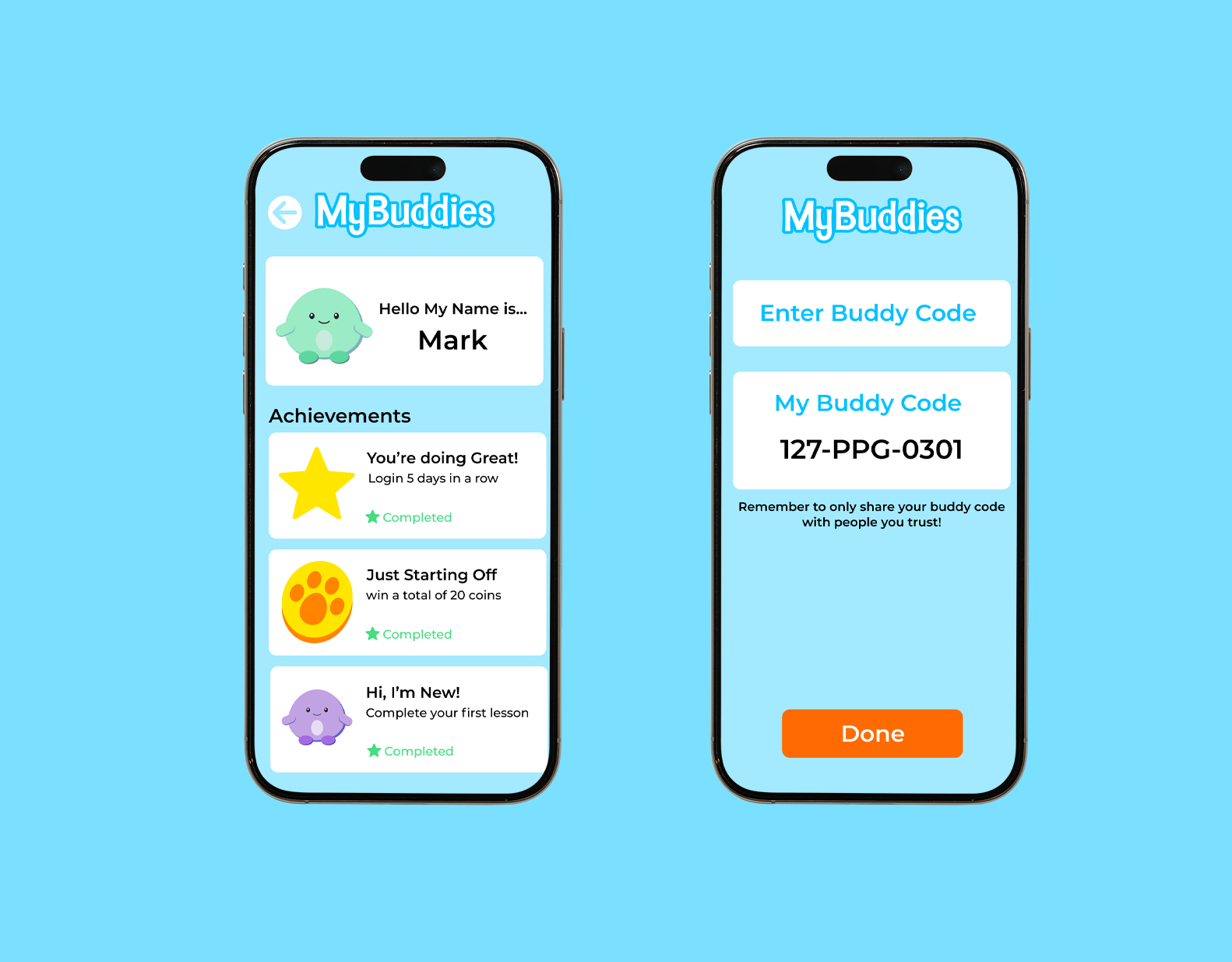
Cyber Safari Add Friends

Add Friends

  • Key features:
  • Share: Users can add friends through an unique invite code. This allows for them to only add people they know in real life.
  • Friend Achievements: Users can see their friends achievements and progress. Allowing for friendly competition and support.

Interactive App

Open In Figma